





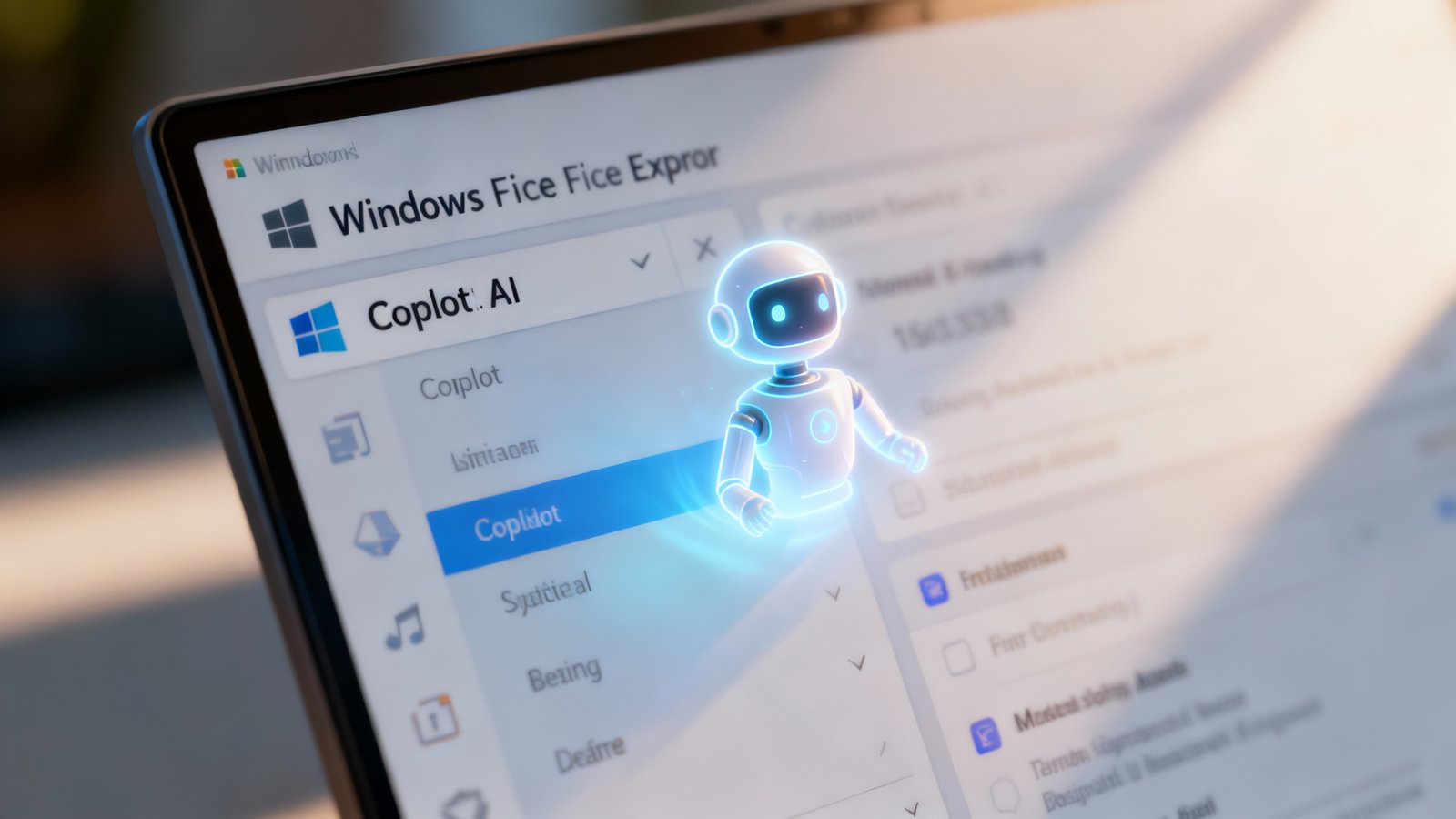
Remember when File Explorer was just… File Explorer? Simple. Functional. Uncomplicated. You clicked, you dragged, you dropped. It was the digital equivalent of your grandma’s attic – a bit messy, sure, but your mess, and you knew exactly where everything was. Well, kiss that sense of digital peace goodbye, folks, because Copilot is moving in. And yeah, it’s exactly what you think: another layer of AI, another “helpful” hand, right there in the one place you really, really didn’t ask for it.
Oh Great, More AI Everywhere
So, the internet’s buzzing, right? Thanks to /u/Thepunnisherrr over on Reddit, we got a peek at what TechRepublic spilled: Copilot, Microsoft’s AI assistant, is apparently gonna be chilling right there in your File Explorer. Like, in it. We’re not talking about a little shortcut on the taskbar, or a button in the Start Menu. No, no. This is integration. Deep, unsettling integration. It’s not entirely clear from the leaks how prominent it’ll be – a sidebar? A floating icon? A full-blown takeover? – but the mere idea has my blood pressure doing a little jig.
And if you’re like me, your first thought was probably, “Do I need this?” Followed quickly by, “Who asked for this?” Because honestly, I’ve been using Windows since, well, forever (okay, fine, Windows 3.1, don’t judge), and I’ve never once thought, “Man, I wish File Explorer had a little AI pal to help me sort my vacation photos from my tax documents.” Never. Not even after a particularly brutal session of trying to find that one specific meme I saved three years ago. You know the one. With the cat.
Look, on paper, it sounds… fine. You know, the marketing blurb probably goes something like, “Copilot streamlines your workflow by intelligently organizing files, summarizing documents on the fly, and helping you locate information with natural language queries!” Blah, blah, blah. So, you could theoretically say, “Hey Copilot, find me that budget spreadsheet from last Tuesday that I called ‘Final_Final_V2_really_final.xlsx’,” and it would just know. But let’s be real, how often does that actually work? And how often is it just another piece of bloatware that slows down your system, adds visual clutter, and occasionally pops up with a suggestion that’s about as useful as a screen door on a submarine?
The Ghost of Clippy Past?
This whole thing gives me major Clippy vibes, doesn’t it? Except Clippy was just annoying. A paperclip. A silly little animation that bounced around and asked if you needed help writing a letter when you were clearly trying to design a rocket in PowerPoint. This is… well, this could be more. This is an AI with, presumably, direct access to the contents of your files. Not just their names or dates, but what’s inside them. That’s a whole different ballgame. It’s like Clippy got a glow-up, went to MIT, and now has a direct pipeline to your digital soul.
And it’s not like Microsoft hasn’t tried this before. Remember Cortana? Remember all those attempts to integrate “smart” assistants into everything? Most of them ended up either ignored, disabled, or just slowly faded into the background like a forgotten desktop wallpaper. But this feels different. This feels like a forced march into an AI-first world, whether we’re ready for it or not. And honestly, I’m not. Not in my File Explorer, anyway. That place is sacred. It’s where I keep my digital socks and underwear, if you catch my drift. Private. Messy. Mine.
Who Asked for This, Anyway?
Seriously, I’m not trying to be a luddite here. I use AI tools sometimes. ChatGPT is fun for brainstorming. Midjourney can whip up some wild images. But the systematic, almost aggressive, push to shove AI into every single corner of our operating systems feels less about enhancing user experience and more about Microsoft desperately trying to keep up with the Google-Apple-AI arms race. It’s like they’re panicking, throwing everything at the wall to see what sticks, even if what sticks is just more digital gunk.
“One of my old editors used to say, ‘Just because you can do something, doesn’t mean you should.’ Feels pretty relevant here, doesn’t it?”
You see it everywhere now. Windows 11 itself, with its focus on “modernizing” things that didn’t really need modernizing. The constant nagging to use Edge, to sign into your Microsoft account, to let them collect all your telemetry data. And now this. It’s not about making Windows better for the average user, not really. It’s about data. It’s about “engagement.” It’s about making sure you’re always, always in their ecosystem, always feeding the beast. And File Explorer, the humble workhorse of your digital life, is just the next frontier in that ongoing conquest.
The Privacy Question, Obvs
But beyond the annoyance factor, beyond the bloat and the likely performance hit (because let’s be honest, every new “feature” seems to come with a side of sluggishness), there’s the big, honkin’ elephant in the room: privacy. We’re talking about an AI that’s gonna have access to all your files. Every single one. Your personal photos, your tax returns, your work documents, your terrible fan fiction from 2007. All of it. Now, Microsoft will tell you it’s all processed locally, or that it’s anonymized, or that they have the best security, blah, blah, blah.
But can we really trust that? In an age where data breaches are practically a weekly occurrence and companies are constantly finding new and “innovative” ways to monetize our digital lives, handing over the keys to your entire file system to an AI assistant just feels… reckless. It’s a huge leap of faith, and frankly, I don’t have that kind of faith in any corporation, especially one as massive and data-hungry as Microsoft. They’re a corporation. They want data. They want engagement. And now they want to stick their AI tentacles right into your personal documents, probably “for your convenience.”
And what about system resources? File Explorer is supposed to be light and snappy. It’s the foundation of how you interact with your own stuff. Adding a complex AI engine, constantly indexing, constantly “learning” – that’s gotta hit performance. Especially on older machines, or even mid-range ones. We’re already seeing Windows 11 being more demanding than 10. This just feels like another straw on the camel’s back, another reason why your perfectly good laptop from three years ago suddenly feels like it’s trudging through mud.
What This Actually Means
So, what does this actually mean for you and me? Well, it means another thing to disable, probably. Another process running in the background, chewing up RAM, maybe sending who-knows-what back to Redmond even if you think you’ve turned it off. It means more visual clutter, more notifications you don’t want, and a general feeling that your operating system isn’t really yours anymore. It’s Microsoft’s, and they’re just letting you borrow it, provided you play by their ever-changing rules.
It’s not about making things better, not really. It’s about pushing the “AI future” whether we want it or not. It’s about being first, or at least not last, in the AI race. And honestly, it’s exhausting. We just want our computers to work. We want them to be fast, reliable, and respectful of our privacy. Is that really too much to ask? Apparently, yes.
Look, I get it. Tech moves fast. But sometimes, just sometimes, I wish it would slow down and ask us if we actually wanted to come along for the ride… especially when the destination looks like a bloated, AI-infested version of something that used to just work. Call me old-fashioned, but I like my File Explorer like I like my coffee: strong, black, and without any overly enthusiastic, artificially intelligent assistants trying to “help” me stir it.