





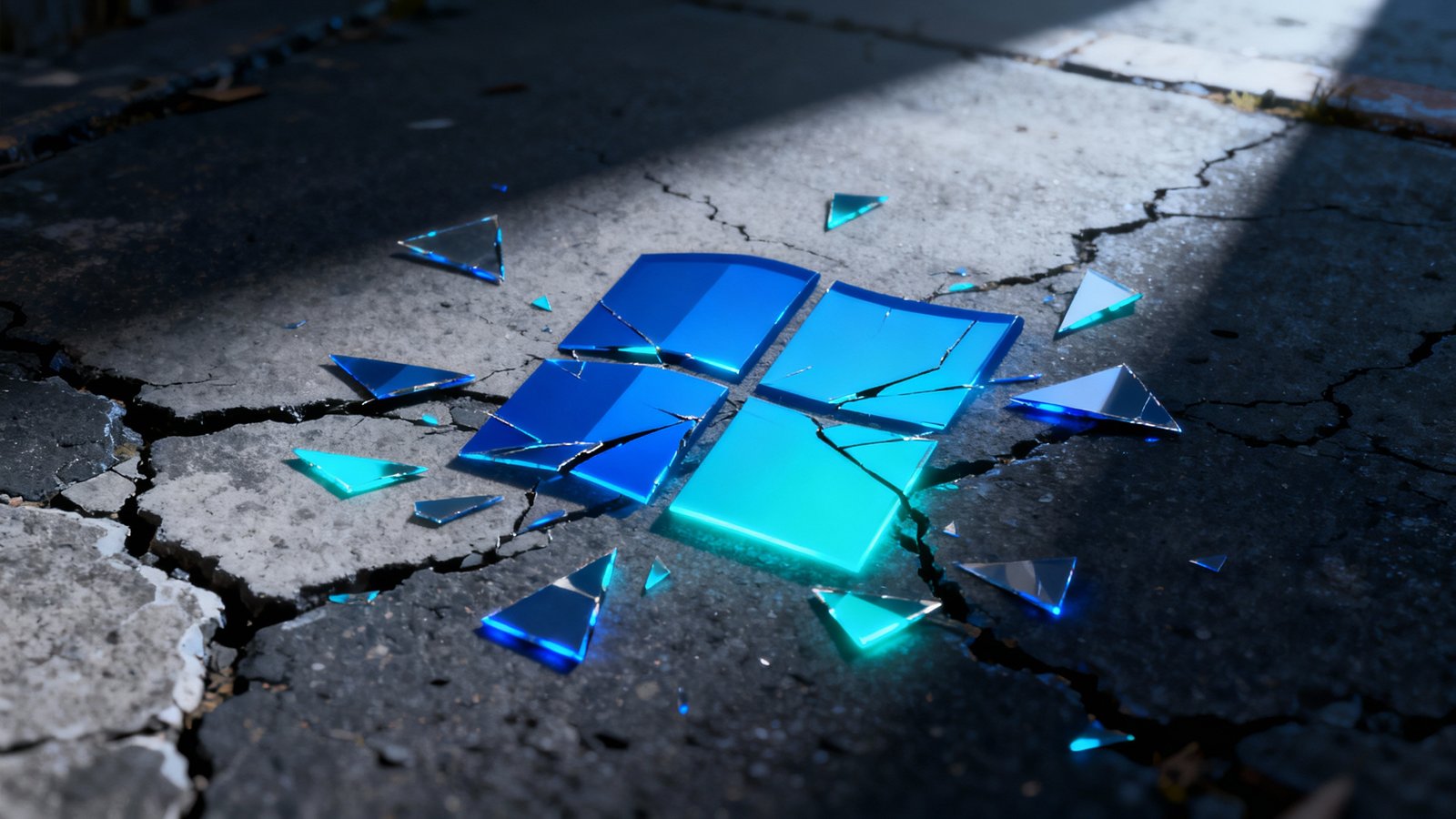
Windows 11: Broken? Microsoft Finally Confesses All!
Okay, so remember when Microsoft rolled out Windows 11? There was all this hype, right? The sleek new look, the promise of a more modern, integrated experience. We were told it would be faster, more secure, just… better. And a lot of us, myself included, upgraded, or at least thought about it. But then, almost immediately, the whispers started. The little annoyances. The things that just didn’t quite work the way they should. It felt like, well, something was off, fundamentally. And now? Now, it seems Microsoft is finally admitting what many of us have suspected for ages: a lot of Windows 11’s core features are, to put it mildly, kind of broken.
I mean, this isn’t just about a buggy update or a minor hiccup. We’re talking about fundamental stuff here- things that are supposed to make Windows 11 stand out. It’s like buying a new car only to find out the air conditioning doesn’t really cool, the navigation system is perpetually lost, and the cruise control just… stops working when it feels like it. You’re left scratching your head, wondering if you misheard the salesperson, or if you’re just incredibly bad at operating modern technology.
The recent admission– and yes, it really feels like an admission rather than a voluntary disclosure- dropped like a small, sad bombshell in tech circles. It’s not a complete surprise, of course. For months now, forums, Reddit threads, and tech support communities have been absolutely ablaze with user complaints. But to hear Microsoft effectively say, “Yeah, you know all those things we told you were great? They’re actually a bit of a mess,” well, it’s something else entirely.
The Cracks in the Facade: What’s Really Going On?
So, what exactly is “broken”? It’s not just one thing, which is part of the problem. It’s a collection of issues that impact the overall user experience in a pretty significant way. We’re talking about things that, on paper, sounded great and were supposed to be defining features of the new OS.
Search: The Elusive Companion
Let’s talk about the search feature. You’d think something as basic and crucial as searching your own computer would be bulletproof by now, right? We’ve had search functions in operating systems for decades. But in Windows 11, it’s been surprisingly finicky. Users report slow results, irrelevant suggestions, or sometimes, it just won’t find what you know is right there, staring you in the face. It’s like asking a librarian for a book you clearly see on the shelf and being told, “Sorry, can’t find it.”
- Point: Windows 11’s search function often struggles to find local files and applications efficiently.
- Insight: This isn’t just an annoyance- it’s a productivity killer. When a core utility like search doesn’t work, it undermines the entire user workflow, making simple tasks frustratingly difficult.
I remember one time I was trying to find a PDF I’d just downloaded- I knew the name, the exact folder, everything. Typed it into search, nothing. Nada. Took me forever to just navigate there manually. That’s the kind of experience that, you know, makes you want to pull your hair out.

Performance Hiccups and Lag Spikes
Then there’s the performance. Part of the allure of a new OS is that it’s supposed to feel snappier, more optimized. For many, Windows 11 has delivered the opposite. There are reports of random lag spikes, slower boot times than Windows 10 (on the same hardware!), and general unresponsiveness. This is particularly noticeable in areas like the Start Menu or File Explorer- places you interact with constantly. It’s like that feeling when your internet suddenly slows to a crawl during a video conference; everything just grinds to a halt.
“It feels like living in a house with great architecture, but half the light switches don’t work and the plumbing is iffy. It looks good, but the core functionality is just… off.”
This isn’t an isolated incident, either. Many tech reviewers, as well as everyday users, have documented these performance issues. It kind of makes you wonder what kind of testing went on, or if there was just a massive rush to get it out the door. The promise of an OS that “just works” often feels like an impossible dream, doesn’t it?
The “Why”: Microsoft’s Official Stance (Sort Of)
So, Microsoft’s “confession” (or rather, their public acknowledgement of these long-standing issues) comes in the form of official documentation and communications aimed at, well, addressing them. They’re not exactly throwing their hands up and shouting, “We messed up!” but the language in recent updates and support articles has been surprisingly frank. They’re detailing specific fixes for things like taskbar glitches, widget problems, and yes, even parts of the search experience.
The Widgets and Taskbar Tango
Remember the widgets? That personalized little panel that pops out? It was supposed to be a cool way to get at glance information. For many users, it’s been more of a headache. Slow loading, crashing, or just not updating properly. And the taskbar- it’s a huge shift from Windows 10, with centered icons and a refined look. But its functionality has also been a source of frustration, from resizing issues to difficulty with drag-and-drop actions that were once second nature. It’s like when a restaurant revamps its menu and suddenly your favorite dish is unrecognizable, or worse, just plain bad.
- Point: Widgets and taskbar, intended as key UI enhancements, have suffered from poor performance and functionality.
- Insight: These aren’t minor bugs; they’re in the parts of the OS users interact with constantly. Constant daily friction from core UI elements can quickly turn user appreciation into genuine frustration.
In all fairness, building an operating system for millions of diverse hardware configurations is an incredibly complex undertaking. It’s not like baking a cake where you follow one recipe. There are so many variables. Still, you’d expect a company of Microsoft’s stature to have a handle on these things before a wide release, especially for features they’re positioning as central to the experience.

What Does This Mean for Us?
So, where do we go from here, you might ask? Well, it means a few things. First, it validates the experience of a lot of users who felt like they were taking crazy pills. “Is it just me, or is this not working?!” No, it wasn’t just you. Microsoft’s acknowledgment, however late, brings a bit of relief there, I suppose. Secondly, it signals that they are, hopefully, serious about fixing these issues. Regular updates are addressing many of these concerns, albeit in a staggered fashion.
For those still on Windows 10, this might reaffirm your decision to stick with what works. “If it ain’t broke, don’t fix it,” right? For the early adopters, it means a bit more patience and continuing to install those updates as they roll out. It’s a bumpy road, but the hope is that Windows 11 will eventually mature into the polished, efficient OS it promised to be. It’s like watching a TV show with a shaky first season- you stick with it, hoping the writers get their act together and the plot finally delivers on its early potential.
Ultimately, this situation highlights the delicate balance between innovation and stability. Microsoft tried to push the envelope with Windows 11’s fresh look and new features. But in doing so, it seems the underlying foundation for some of those features wasn’t quite ready for prime time. Here’s hoping they iron out the kinks sooner rather than later, because a broken core experience, no matter how pretty the wrapper, is just… broken. And nobody wants to pay for broken.